

How Bixberry works?
From download to rewards

Download & opt in
Get the app, sign up, switch sharing on. Nothing runs until you say so, and you choose how: WiFi only or mobile data too.

Your connection works
Small web checks from vetted AI companies run through it in the background. You keep using your phone as usual.

You get rewarded
Your contribution adds up in the app, and you cash out in gift cards from 5,000+ brands.
What your connection powers
AI models are trained once, on data with a fixed cutoff date. The world keeps changing after it. This network keeps AI's picture of the world current.
(01)
AI's knowledge is a snapshot
A model stops learning when its training ends - typically months before release. Anything newer, it has to retrieve from the live web. Without that, answers come from outdated data: yesterday's prices presented as today's.
Prices, places, opening hours - changing daily, beyond any model's training.


(02)
The world updates constantly




New listings, price changes, businesses opening and closing - every day, in every market. Answering about today means checking the live web today. Retrieval is not a one-time fix; it's a permanent process.
Someone has to pick those updates up.
(03)
Your connection closes the gap




When you opt in, vetted AI companies route small web checks - pages, prices, listings - through your connection. A data center request sees the web from one location; your connection sees it from where you are.
Your impact: AI's answers stay current and local.
Who's on your connection - and on what terms
A short guest list. Every partner is verified before any traffic flows - and if we can't tell you who's on your connection, they don't get access.
You control it
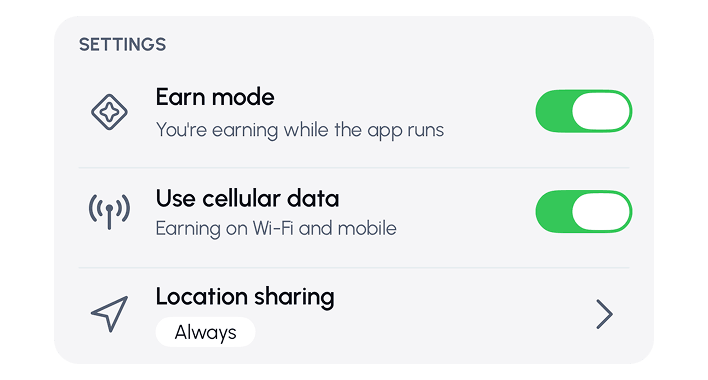
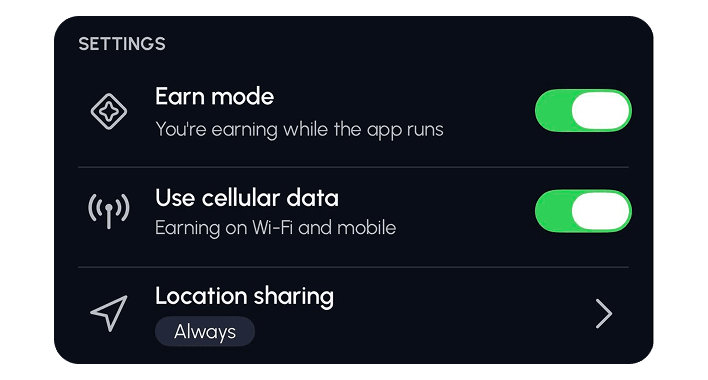
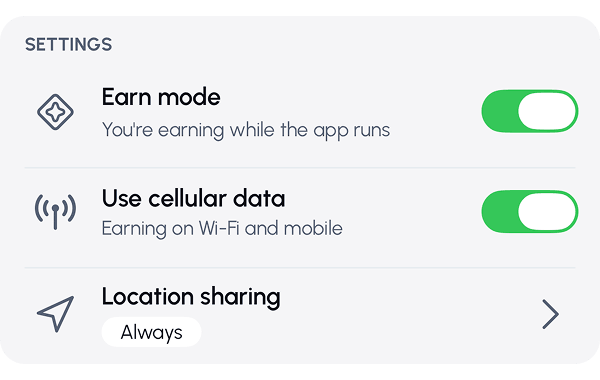
You choose how it runs - WiFi only or mobile data too - and you can pause sharing whenever you like.

You see it
Live stats show when your connection is active and how many AI requests it's completed - in real time.

You decide when it runs
Sharing runs on your terms. One tap pauses or stops it - no questions, nothing to cancel.
What it uses on your phone - and why
Here's what Bixberry uses on your phone, why, and how you control it.
Why Bixberry behaves differently from other apps
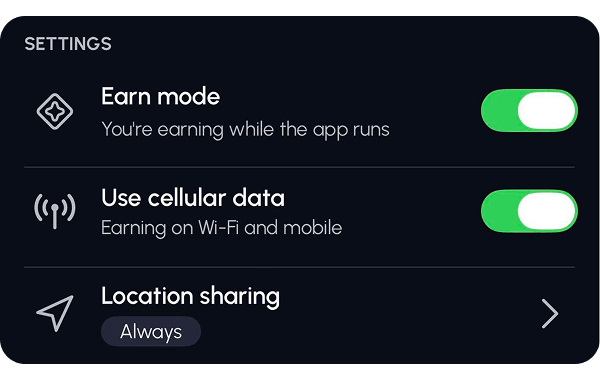
Most apps run in short bursts - open, use, close. Bixberry works only while connected, so with your permission it stays active in the background. That's why it appears in your battery list.
Battery
Staying connected and passing along small web checks uses some energy - modest, and comparable to an ordinary app sitting connected in the background. It rises a little when your connection is busier.
The "why" is simple physics: your phone talks to the internet by radio. Talking costs a little energy - and over WiFi it costs noticeably less than over mobile data, because your WiFi router is a few meters away while a cell tower is much further.
Connection & Data
To keep sharing, the app stays active in the background and may ask to stay awake so it works while your screen is off - you can reverse that in settings anytime.
The data it carries is small: web checks like pages, prices, and listings, a fraction of a short video call, and on WiFi-only mode your mobile plan isn't touched.
Battery optimisation on Android
By default, Android limits apps running in the background. If you turn off battery optimization for Bixberry, it can stay connected more consistently - which means it shares more and you earn more. It's optional, fully in your control, and you can switch it back anytime in your phone settings.
Location on iOS
On iOS, the app asks for location access set to "Always." It's used for one thing: to confirm which region your connection is sharing from, so AI companies get accurate local results - a price check in your market, listings in your area. It isn't personal tracking, and it isn't tied to your identity. You can change it in your phone settings anytime, and we show you how.
What stays outside


From balance to gift card
Your contribution adds up in the app - here's how it builds, and how it pays out:
Three ways rewards build
AI requests carried through your connection, time your app stays online and connected, and referral bonuses when someone joins through you. Each adds to one balance, tracked live in the app.
Gift cards from 5,000+ brands
Get rewards in gift cards: entertainment, shopping, gaming, food. You pick the brand, and the code is delivered to you, ready to use.
Secure payouts
Every cash-out is fulfilled by a dedicated gift card provider: the branded code is issued for your order and delivered directly to you.
Have any
questions?
We’ve got answers.
How does Bixberry affect my device battery?
Does it use my mobile data?
How do background apps work - and why does Bixberry ask to stay awake?
Who exactly uses my connection?
What data can you see?
Can I see it working - and stop it?







Watch your rewards grow daily
Join the network
People-powered

Only AI traffic
Instant rewards
Runs quietly