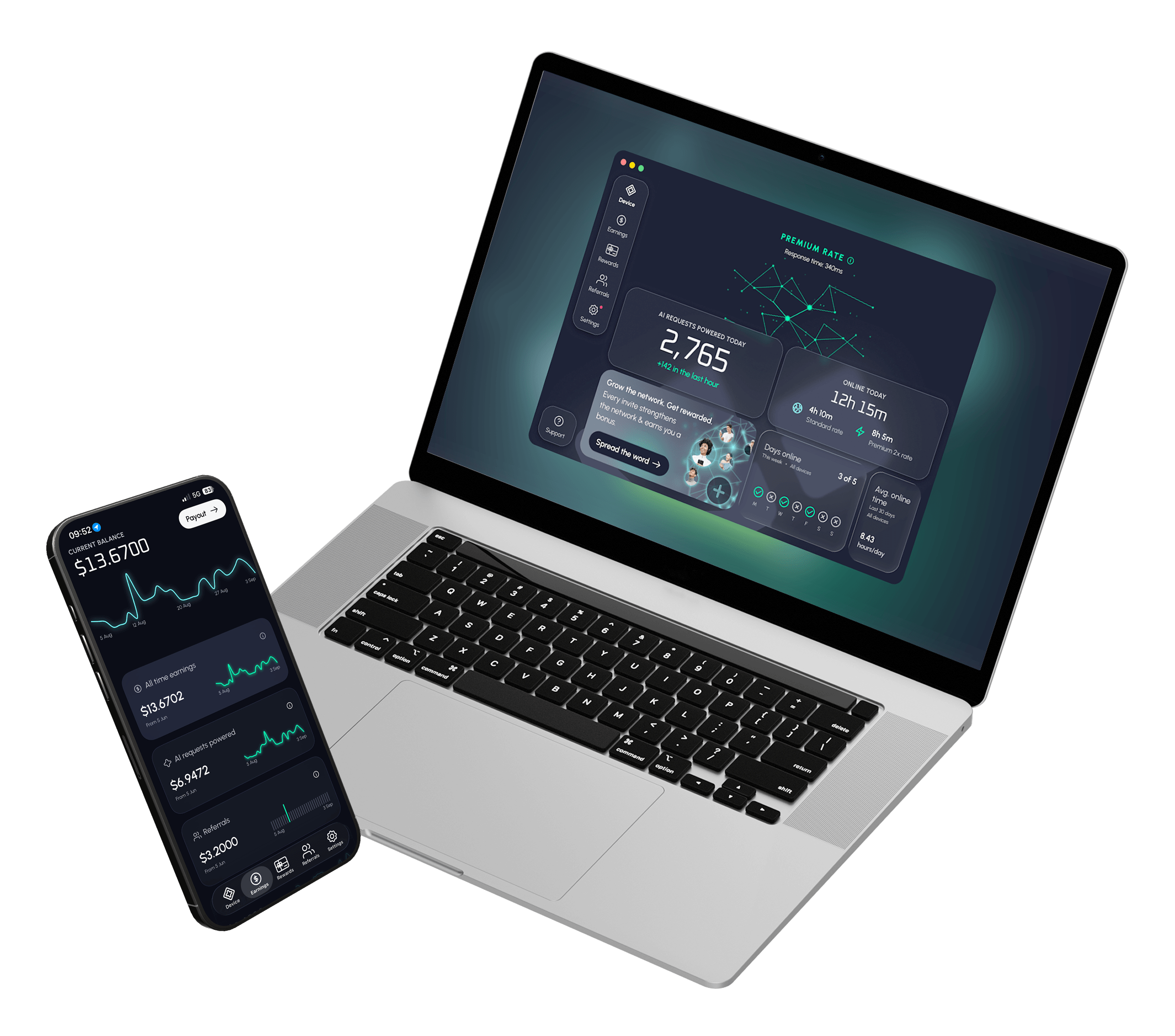

Bixberry download links by device
Pick your device below. Every link goes to the official App Store, Google Play or Bixberry's own servers, so you always get the latest, safe version.
iPhone & iPad
Install from the App Store. iOS 17 or later.
Android
Install from Google Play. Android 9 or later.
Windows
Direct installer for Windows 10 or later.
macOS
The Mac app is on its way.




187
countries with active users
17+
vetted AI partners
5000+
gift cards to choose from
How to download Bixberry and set it up
Getting started takes about a minute. There's nothing to configure.
(01) Download the app
Choose your device above and install Bixberry from the App Store, Google Play or Windows installer.
(02) Sign up or log in
Open the app and create a free account with your email, or log in if you already have one.
(03) Leave it running
Bixberry works in the background, using spare device resources to help AI assistants look things up. You earn for time online and for every request your device helps answer.
What happens after you install Bixberry
When an AI assistant needs to check something current, like today’s prices or what’s open, some of those look-ups run through spare device resources on the network — yours included. You earn for time online and for every request your device helps answer.
Is the Bixberry app download safe?


Earn gift cards you'll use
Bixberry is an app to earn gift cards without changing anything about how you use your device.





Roblox
Swap your balance for Robux to spend on avatar items, game passes, and in-experience upgrades

Google Play
Google Play credit for apps, games, and in-app extras. Redeems straight to your Google account.

Starbucks
Load it to your Starbucks Card for drinks, food, and refills at any participating store.

Apple
Adds balance to your Apple Account for App Store apps, iCloud+, Apple Music, and more.

People-powered

Only AI traffic
Instant rewards
Runs quietly

Watch your rewards grow daily
Join the network

Download
FAQ
Quick answers to the questions people ask before installing Bixberry, plus fixes for common install problems.