


App payout methods:
how Bixberry pays
How your balance builds before each payout
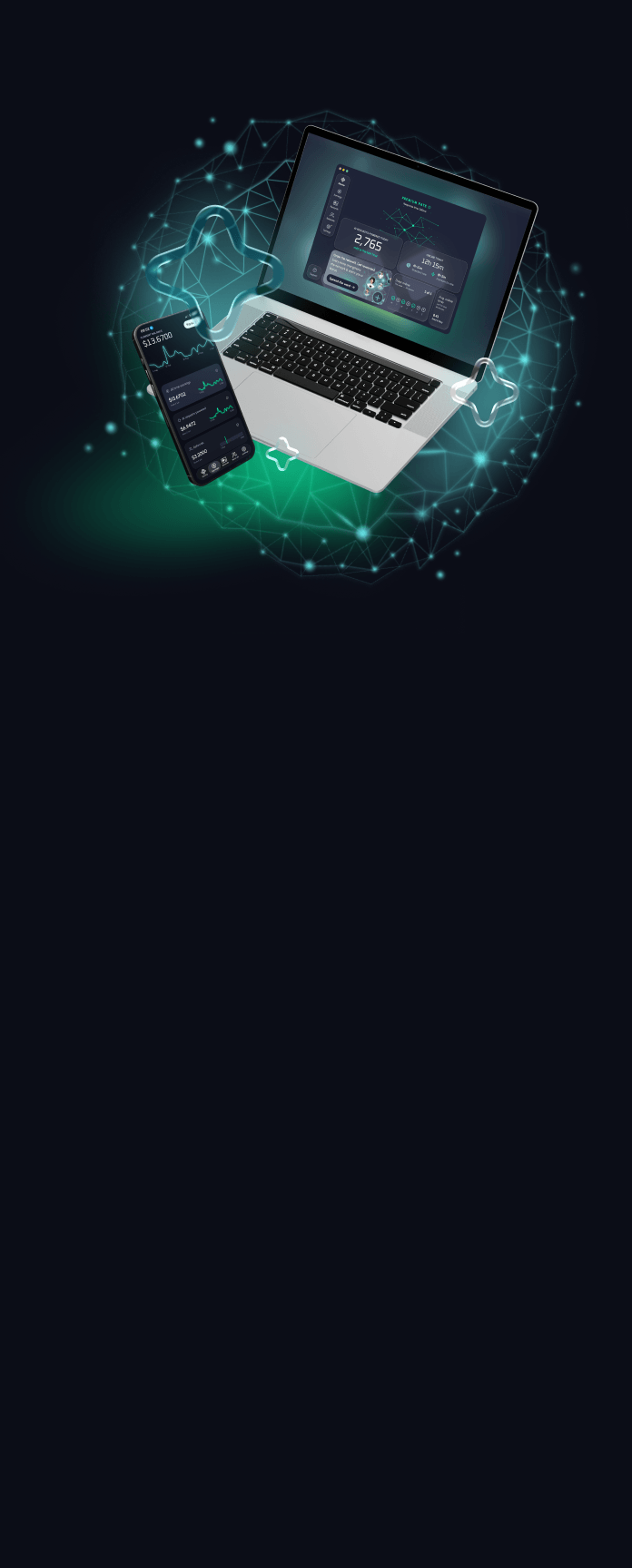
Every payout follows the same lifecycle: your balance accumulates, then you cash out once it passes the minimum payout threshold. Your Bixberry balance grows in three ways, and you can view all of it in one place on the app dashboard.

AI requests
AI assistants look things up through spare device resources on the network. Every request your device helps answer adds to your earnings.

Time online
You also earn for every hour the app stays online and connected. Set it up once and let it run quietly in the background.

Referral bonuses
Invite friends with your link and earn a bonus when they join. Demand in your country also affects how fast you reach a payout.




$10
First payout minimum
$20
Every payout after
5000+
Gift card options
What a payout threshold means
Every app sets its own, and it can change over time. Bixberry’s is $10 for your first gift card and $20 for each one after.
Once you hit it, pick any of our free gift cards to cash out.
How to request a payout
in the Bixberry app
01
Reach the threshold tracked live in the app
02
Pick a gift card and send the payout request
03
Get the code by email right after you redeem
Common app payout methods, and why Bixberry uses gift cards
Payout methods are the ways an app sends the money you earn.
How apps usually pay
Apps usually pay through bank transfers, PayPal, crypto or gift cards. Bank transfers take 1 to 3 business days, and instant payouts often come with a high processing fee.
Gift card payments with no bank details
Bixberry pays in gift cards, so you never connect a bank account. Each code comes from a dedicated gift card provider.
Country and currency
Codes are tied to one country's store and usually issued in its local currency. The app shows what's available where you are.
Popular gift cards to cash out for
Trade your balance for shopping, gaming, streaming or food. Here are a few of the most popular picks.



Roblox
Swap your balance for Robux to spend on avatar items, game passes, and in-experience upgrades

Google Play
Google Play credit for apps, games, and in-app extras. Redeems straight to your Google account.
Starbucks
Load it to your Starbucks Card for drinks, food, and refills at any participating store.

Apple
Adds balance to your Apple Account for App Store apps, iCloud+, Apple Music, and more.


Netflix
Cover your next few months of Netflix and keep watching without touching your bank card.

Flipkart
Shop fashion, electronics, home essentials and more from India’s go-to marketplace. Add it to your Flipkart account and use it at checkout.

DoorDash
Get meals, groceries and everyday essentials delivered from local favorites. Add it to your DoorDash account and it covers your next order.

Shein
Spend it on trending fashion, beauty and home finds at prices that make your balance stretch. Redeem it in the SHEIN app or on the website.

Olive Young
Shop K-beauty skincare, makeup and haircare bestsellers in one place. Add it to your Olive Young account and it covers your next haul.

Myntra
Shop clothing, footwear and accessories from hundreds of top fashion brands. Add it to your Myntra account and it covers your next order.
Flipkart
Shop electronics, fashion, home goods and more on India’s go-to marketplace. Add it to your Flipkart account and it covers your next order.

Visa
Spend it almost anywhere online or in stores that accept Visa. Use it like a prepaid card for bills, subscriptions or shopping, with no brand limits.
Sephora
Treat yourself to skincare, makeup and fragrance from top beauty brands. Add it in the Sephora app and use it at checkout.

Target
Stock up on groceries, home basics and baby gear from Target. Save it to your Target account and pay at checkout.

Uber Eats
Order meals, groceries and late-night cravings from local restaurants. Add it to your Uber Wallet and pay at checkout.
Secure rewards,
private by design








Get your first payout
Get your first payout
Have
questions?
We’ve got answers.